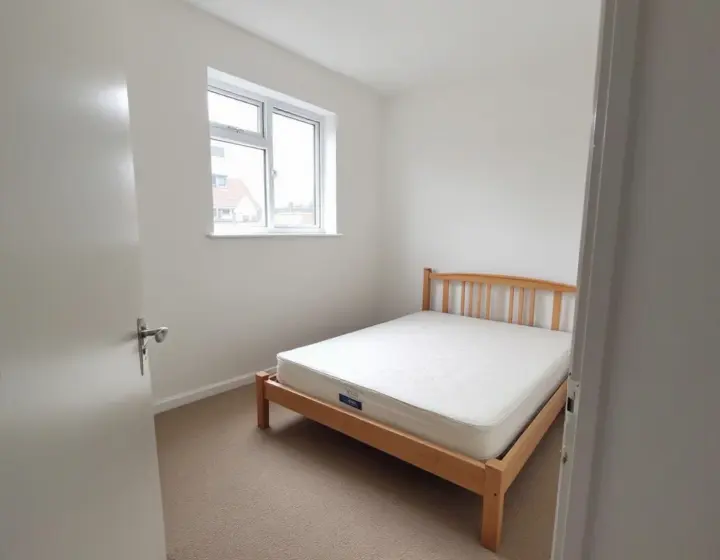
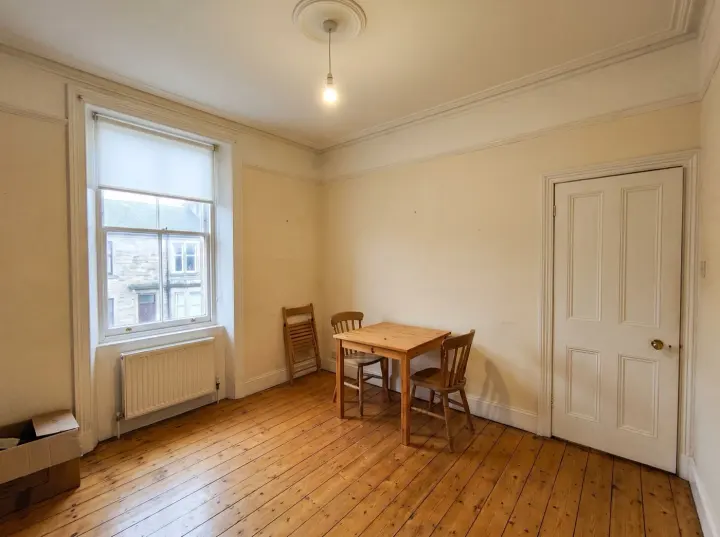
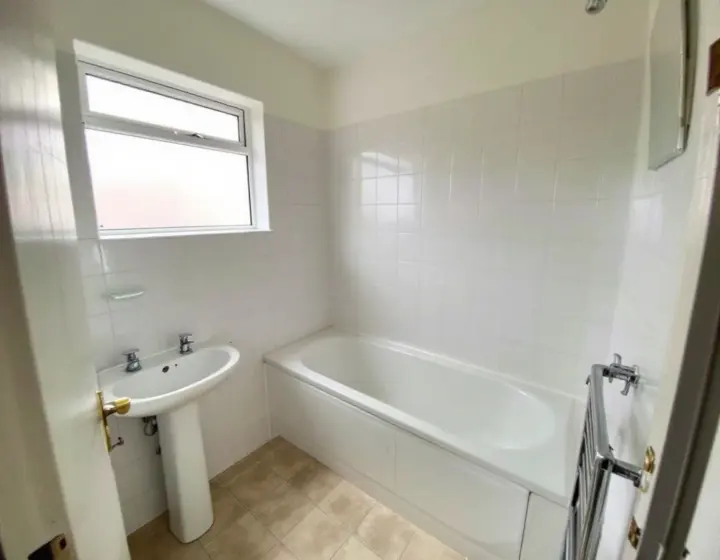
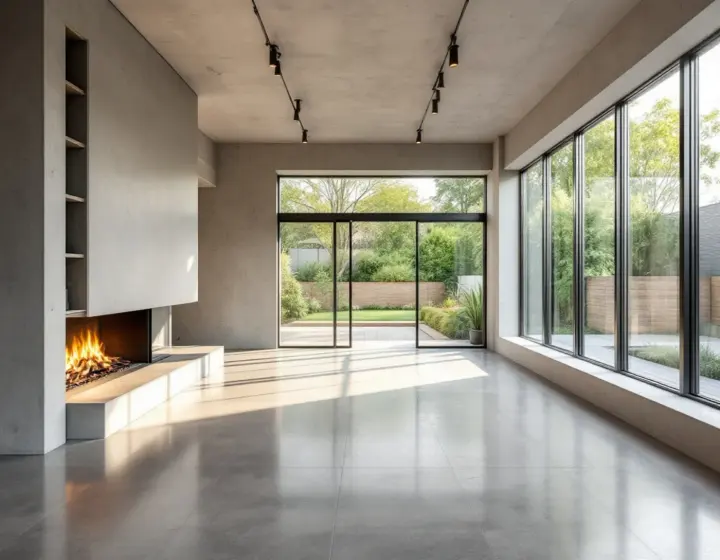
JPG, PNG or WEBP, up to 10 MB. A shot from a corner or a doorway works best. You can also paste one.
Or try a sample room
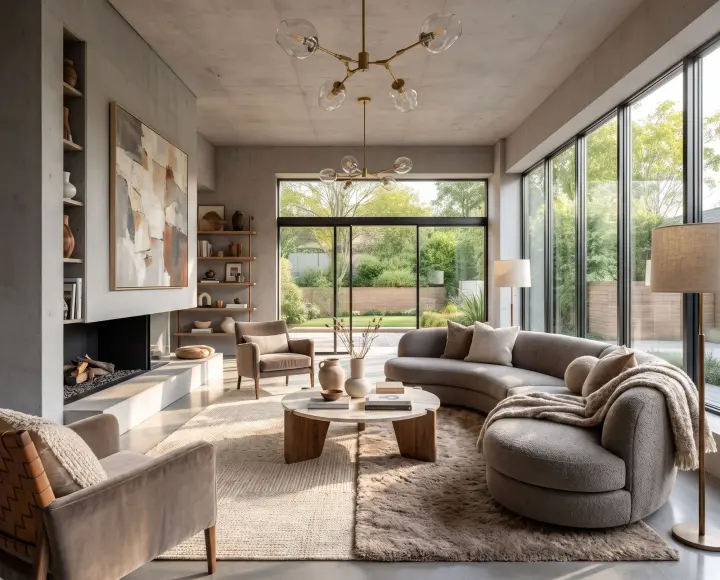
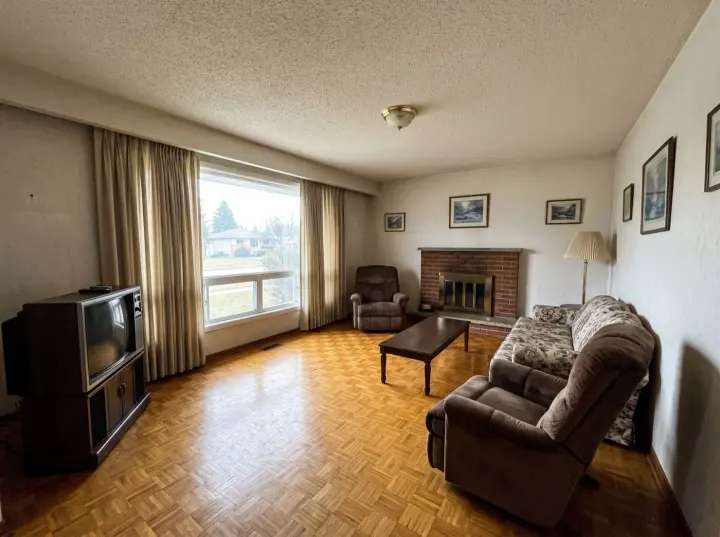
After
Before
Mid-centuryLiving room
Upload a room photo and try one Standard AI room design for free. No sign-in needed. Explore 16 interior styles and see a new direction for your space.
01Keeps your room's layout
02Sixteen styles, or your own words
03Free to explore, no login required
A clearer starting point
AI room design for furniture, colour and lighting
AI room design turns a photograph into a visual starting point for a makeover. Explore how pale walls, warm wood, or a different sofa might work together in the room you know. Use AI room design to compare materials and furniture before shopping, explain what you like, and choose a practical next step.
Your first Standard AI room design is free, with no account needed. Upload a photo, choose a style and generate one image. Additional designs use account credits; premium quality requires a paid plan.
The styles
Find your AI room design style
Explore sixteen visual directions for AI room design, from quiet Japandi to expressive Art Deco. Choose a style below to set it in the studio, then add your photograph.
For AI room design, choose the atmosphere first: calm, layered or dramatic. Japandi and Scandinavian favour natural textures; industrial and mid-century bring stronger shapes. Your AI room design can include existing furniture or a preferred colour. Pick one direction and describe the details that matter.
How it works
How to use AI room design
01
Start with a clear room photo
Give AI room design a clear view. Take a bright photo from a corner or doorway, with the floor, walls, and furniture visible. Keep the camera level. Upload a JPG, PNG, or WebP file up to 10 MB, or choose a sample to explore the controls.
02
Choose a style and a direction
Shape your AI room design by selecting the room type, style, and what should change. Add a short instruction such as warm oak and soft lighting. Choose available keep options for pieces you own. A focused brief makes your AI room design easier to evaluate.
03
Compare the result with your photo
For live AI room design, check the cost before generating. Drag the slider to compare proportions and retained pieces. Download useful images, then refine your AI room design with one clear change.
Make the idea useful
Practical tips for your AI room design
Use AI room design to answer a specific question about your home. Turn the image into choices you can discuss and check.
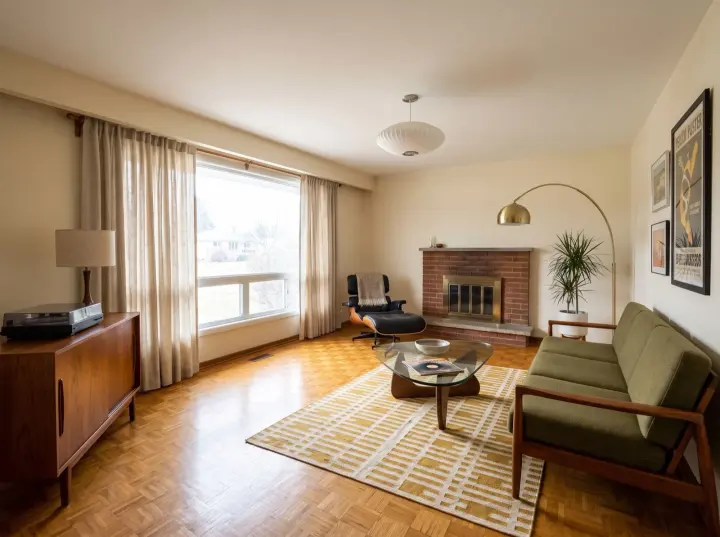
A living room that works for you
Start your AI room design with how you use the space. Conversation needs seats facing people; reading needs light and a comfortable chair. Mention an existing sofa or floor you want to keep.
Review the AI room design for a clear route between doors and seating. Measure positions for a table, lamp, or television in your actual room. An attractive composition is most useful when daily movement feels easy.
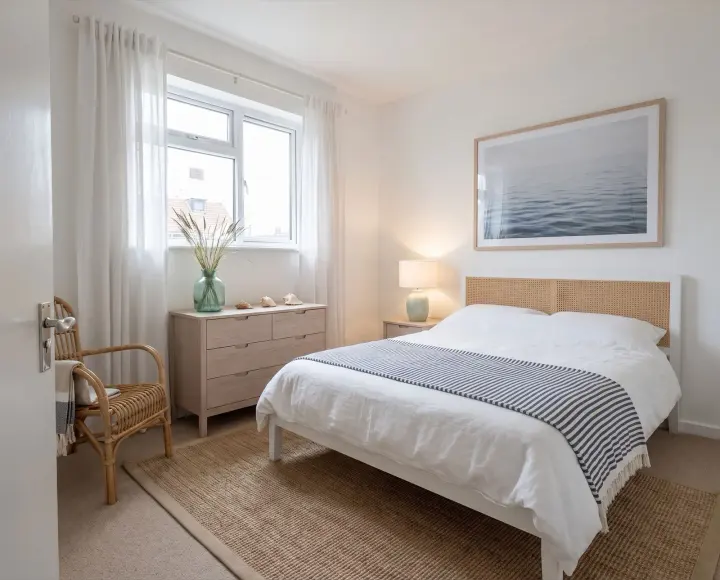
A calmer bedroom
Use AI room design to test a quieter palette, softer textiles, and a more balanced arrangement around the bed. Choose the bedroom room type and describe the feeling you want. Mention storage, bedside lighting, or a favourite piece that should guide the result.
Compare each AI room design with the natural light in your photo. Check whether the colours suit daytime and evening use. Measure before buying a bed or wardrobe, and ensure doors and drawers can open.
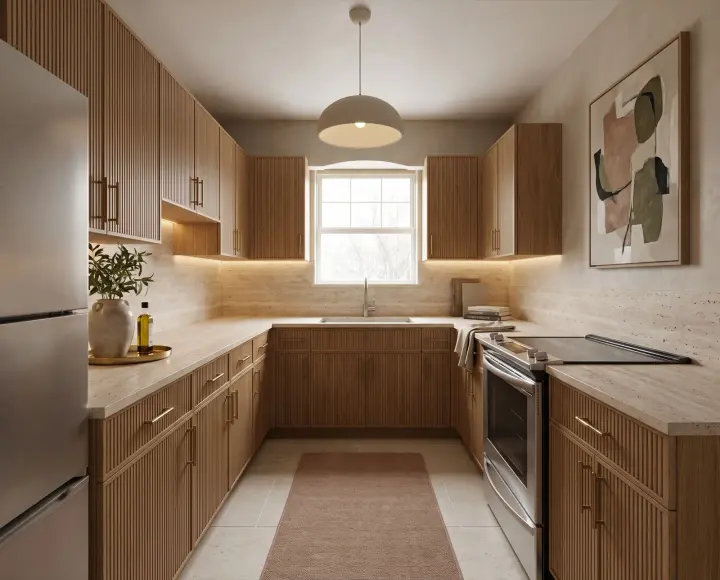
Fresh ideas for kitchens and bathrooms
AI room design can help you explore cabinet colours, surface combinations, and lighting moods in kitchens or bathrooms. Start with a clear photograph that includes the fixtures. Describe a visual change, such as lighter cabinets or warmer wall colours, instead of requesting an unspecified renovation.
Treat the AI room design as a concept. It cannot verify plumbing, electrical work, or ventilation. Keep those decisions tied to measurements and qualified advice. Compare finishes in your own light before committing to building work.
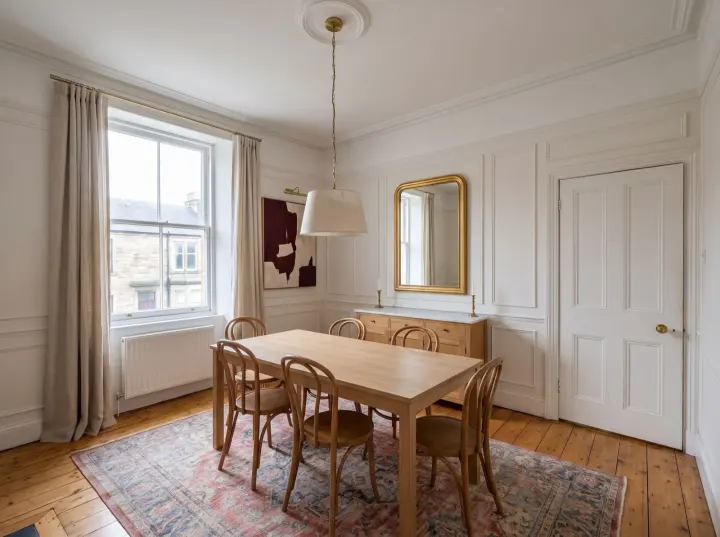
Make a small room feel considered
For a compact space, use AI room design to explore fewer pieces and clearer visual lines. Ask for lighter materials, useful storage, or a single focal point. Include the furniture you need rather than asking the studio to make the room appear artificially larger.
A useful AI room design respects the space you have. Check walking routes, window access, and furniture depth. Compare arrangements, then sketch actual dimensions before choosing a larger sofa, desk, or dining table.
Choose how much to change
AI room design does not have to mean replacing everything. Select Refresh to focus on colours, textiles, lighting, and art while asking furniture to stay. Paint only targets walls and the ceiling. Declutter asks the studio to clear loose clutter while retaining the furniture.
For a larger change, Redesign explores furniture and finishes, while Stage furnishes an empty room. Your AI room design follows the selected direction and any keep requests, but generated details can vary. Inspect the result carefully, especially objects and architectural features you wanted preserved.
Turn a comparison into a decision
Compare an AI room design with your original photo. Check furniture scale, lighting and access from the same viewpoint before choosing a direction.
Save the AI room design that communicates your direction. Note two details to keep and one to adjust. Give your next request a purpose and explain the idea to a partner, decorator, or supplier.
Questions
AI room design questions
01
Can I generate an AI room design for free without logging in?
Yes. You can generate one Standard image from your own photo without signing in or paying. This free trial is shared across all our design tools. Free downloads include a watermark. Sign in to continue after your trial; premium quality requires a paid plan.
02
Which photo works best for AI room design?
A bright, level photo from a corner or doorway gives AI room design a clear starting point. Include the floor, walls, and main furniture. Avoid blurry close-ups or objects that hide most of the room.
03
What should stay the same in AI room design?
The studio aims to retain walls, windows, doors, and the camera angle. Select keep options for important furniture or flooring. Inspect your AI room design against the original photo, because generated details can vary.
04
What does a custom AI room design cost?
Standard costs 1 credit per image; High quality costs 4, Deluxe 5, and Deluxe+ 8. Check the displayed cost before generating your AI room design. Failed generations return their credits; pricing lists the available packs.
05
Where is my AI room design saved?
The History page keeps twelve recent designs in this browser. Download AI room design images you want to retain. Clearing site data removes entries; local history does not provide permanent cloud backup.
06
Can AI room design replace measured plans?
No. AI room design provides visual inspiration, not verified measurements or construction specifications. Measure the room and products separately. Review structural or building services changes with a qualified professional before carrying out the work.
Your next step
Start exploring AI room design
Choose a room, upload a photo and try your first Standard AI room design for free. No sign-in is needed. Explore the styles and read our guides for planning ideas.