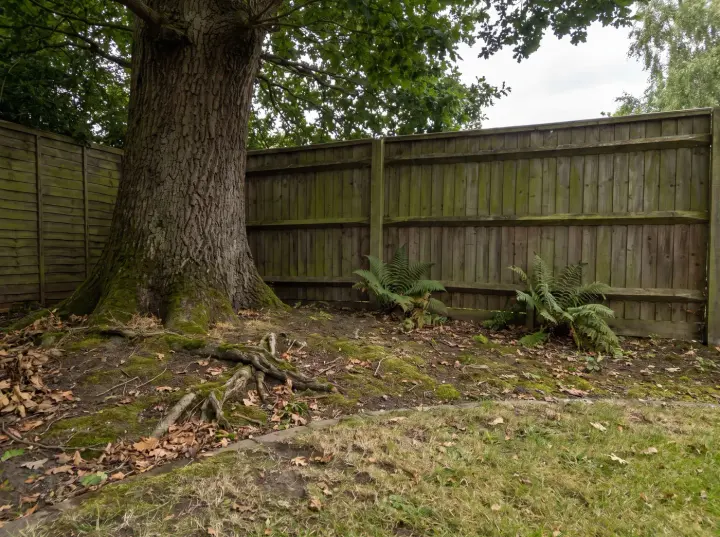
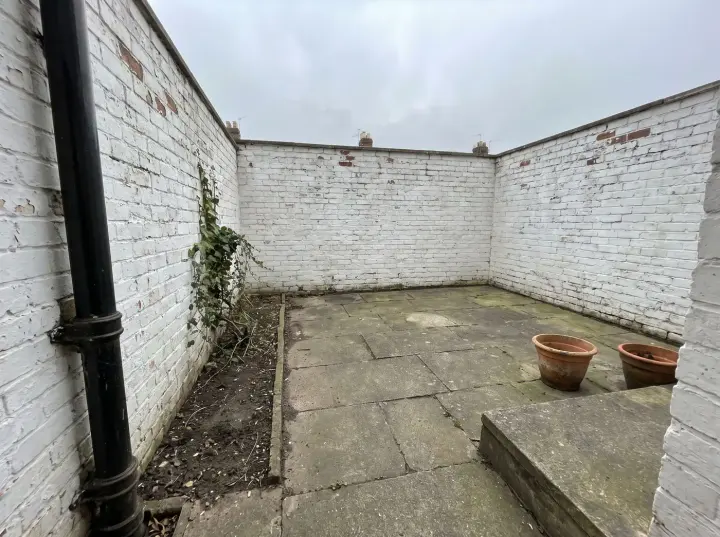
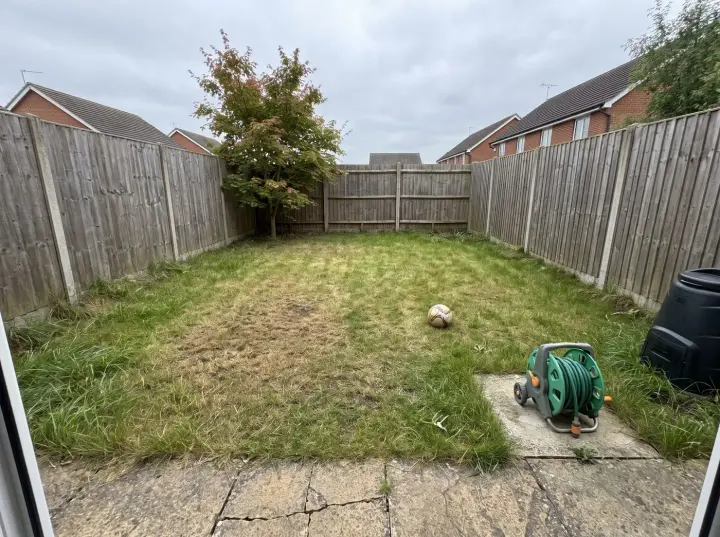
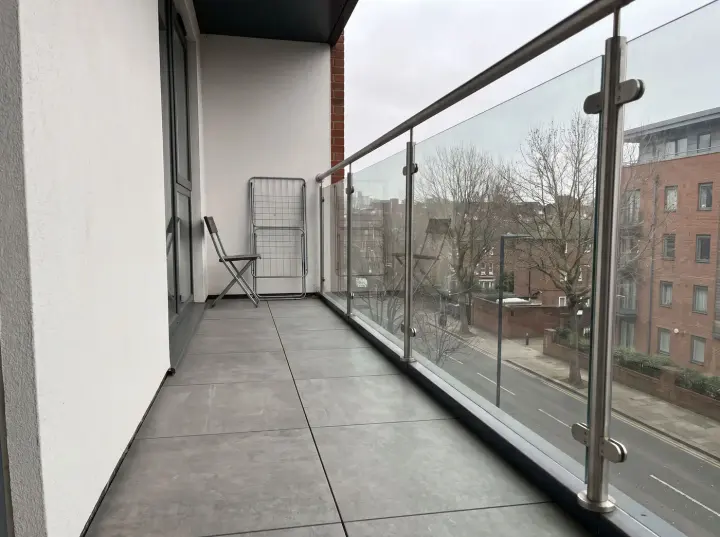
Drop a photo of your garden here, or choose a file.
JPG, PNG or WEBP, up to 10 MB. Include planting beds, the ground and garden boundaries. You can also paste one.
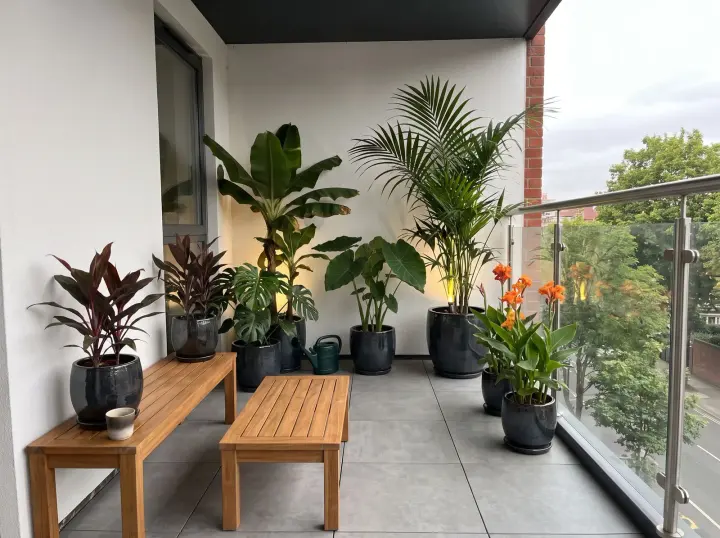
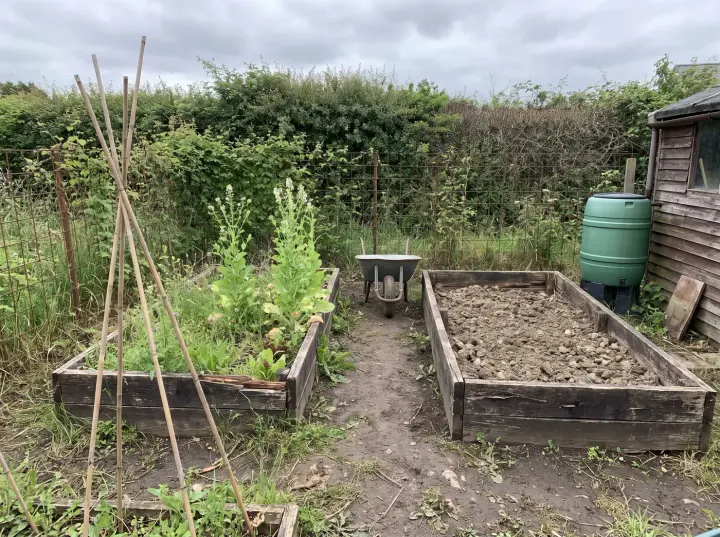
Or try a sample photo
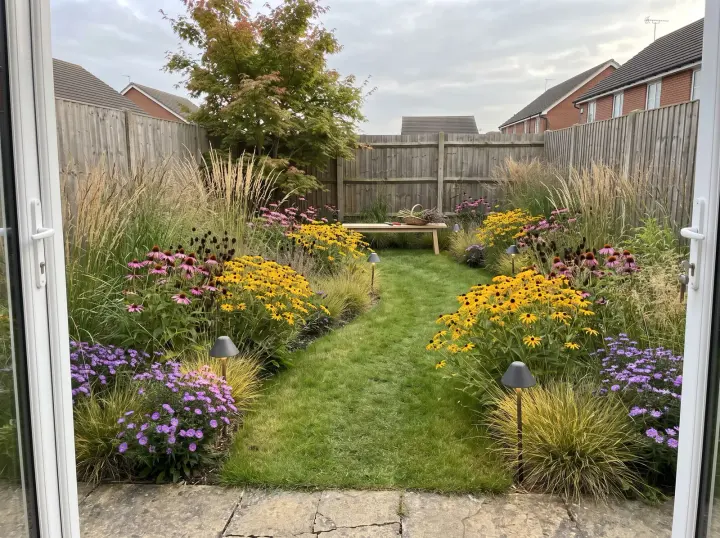
After
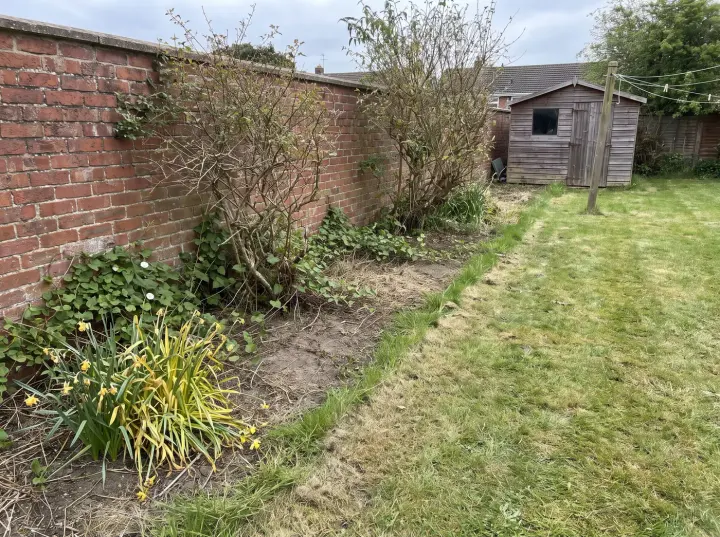
Before
English CottageTired border
Upload a photo and try one Standard AI garden design for free. No sign-in needed. Choose a style and see how your space could look.
01Begin with your own garden photo
02Explore planting, paths and seating
03Browse inspiration without login
Room to grow
See new possibilities for your garden
Turn a photo of your existing garden into a starting point for planting and outdoor living. Explore softer borders, a path between beds or seating framed by greenery. A focused garden concept helps you decide what to discuss with a gardener or designer.
Try your first Standard AI garden design without an account or payment. Upload a photo to generate one image. The free trial is shared across all our design tools; further designs use account credits.
The styles
Choose the mood for your garden
Explore sixteen garden styles, from English Cottage and Naturalistic Meadow to Japanese and Gravel Garden. Each one brings its own plants, paths and pots. Choose one below, then add a photo of your garden.
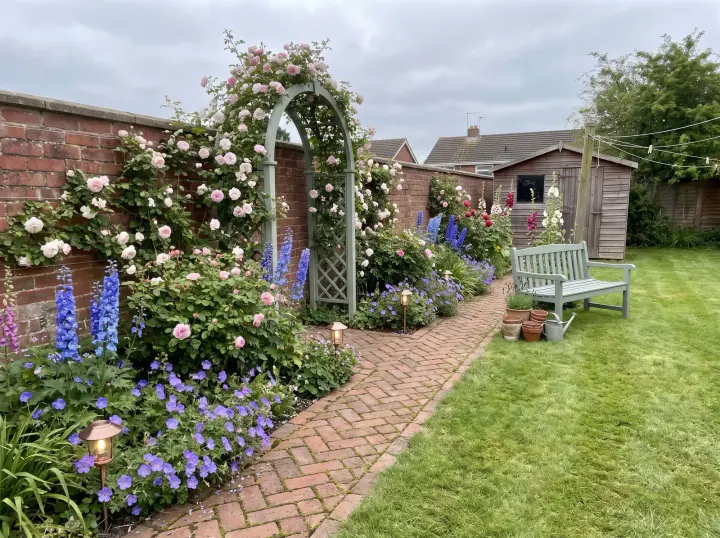
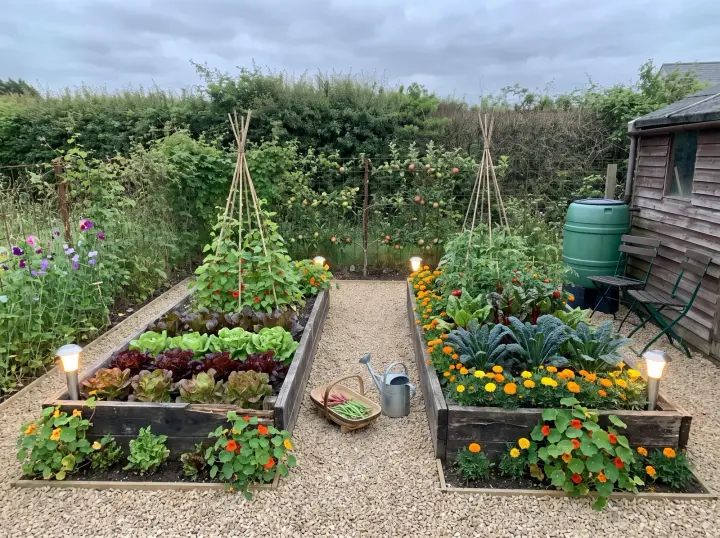
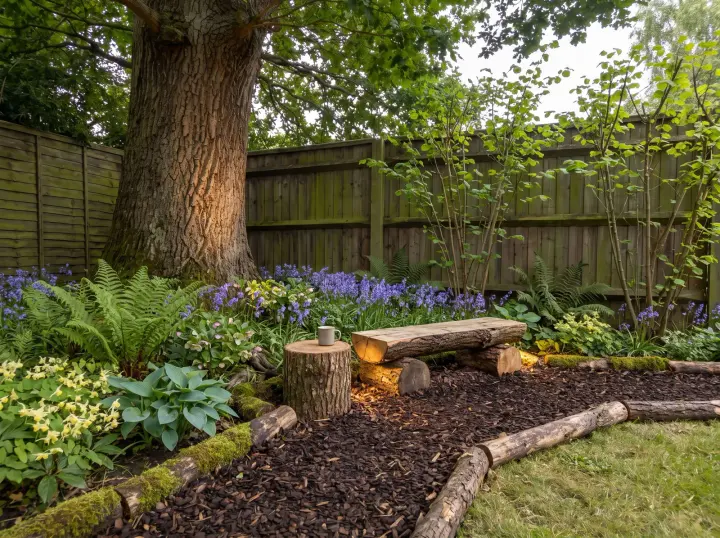
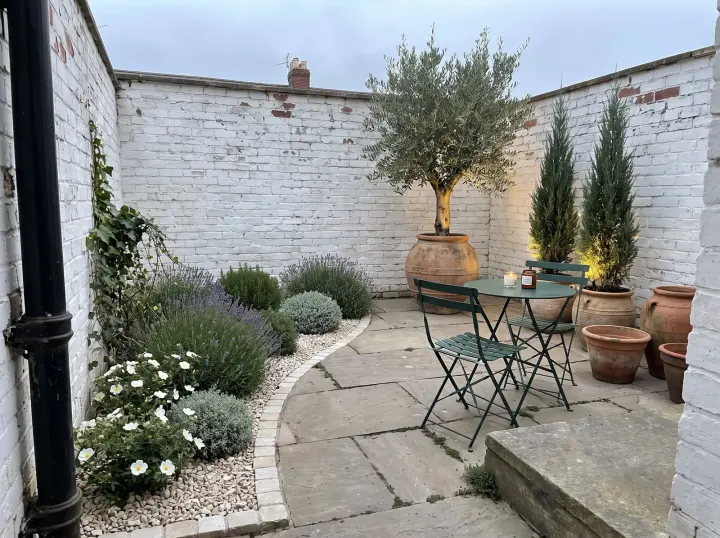
Try English Cottage for roses and deep borders, Woodland for a shady plot, Kitchen Garden to keep growing food, or Gravel Garden where summers are dry. Plants are shown a few years grown and are chosen for the climate your photo shows. Say what should stay, such as the lawn or a favourite tree.
How it works
How to design your garden with AI
01
Upload a garden photograph
Take a wide, level photo showing the garden beds, ground, fence and any existing trees. A view from the house or patio often shows how the space connects. Upload a JPG, PNG or WebP up to 10 MB.
02
Describe how you want to use it
Choose a style and give your garden a clear purpose: a colourful flower border, a sheltered reading corner or more space around the lawn. Mention trees, paths and boundaries that should stay.
03
Compare the garden ideas
Check the credit cost before generating. Compare your new garden image with the original, download useful ideas and refine one detail at a time.
Make the idea useful
Make your garden idea useful
Begin with one part of your garden and one question. Compare planting, movement and places to rest within the space you already have.
Build a planting palette
Describe the atmosphere of your beds: soft flowers and grasses, evergreen structure or a restrained mix of greens. Keep established trees in your brief and use the result to compare the balance of planting and open space.
Check plant choices against local climate, sunlight, soil and mature size before buying. A generated image shows a visual direction rather than a verified planting schedule.
Find a place to sit
Ask for a bench beside a border, a small patio table or a shaded reading corner. Include the intended use and the existing access from the house so seating connects naturally to the garden.
Measure the furniture footprint and leave room for people to move. Consider actual shade and privacy when choosing a position.
Connect beds with a path
Explore stepping stones, gravel or a more defined garden path. Tell the studio which entrances and existing routes should stay clear, and compare how each option links planting and seating.
Check path widths, ground levels and drainage on site. The image helps you discuss an arrangement; it does not specify foundations or paving installation.
Make a small garden feel considered
Choose one focal point and a limited palette for a compact garden. Compare a planted edge and a usable seating space without asking the image to enlarge the site.
Keep the fence and surrounding structures in your photograph. Compare the depth of borders and seating against your own measurements.
Redesign or refresh your garden
Redesign explores a new combination of planting, paths, outdoor seating and light. Refresh keeps the existing layout and structures while changing planting details, pots and outdoor textiles.
Name the features you want to keep in your instructions. Start with a light refresh if your garden already has a layout that works.
Choose one direction to develop
Compare your original garden and the generated concept from the same viewpoint. Look at planting density, the route through the space and whether the seating fits.
Save your preferred image and note two things to keep and one thing to change. Use those notes for your next edit or a conversation with a garden designer.
Questions
AI garden design questions
01
Can I generate an AI garden design for free without logging in?
Yes. Generate one Standard image from your own photo for free, without signing in. This allowance is shared across all our design tools. Downloads include a watermark. Sign in to continue after your trial; premium quality requires a paid plan.
02
What kind of garden photo should I upload?
Use a clear, wide garden photo that shows the ground, planting beds, boundaries and existing structures. Include the area you want to change. A close-up of a flower does not provide enough context for a garden layout.
03
Can I keep my existing trees and garden layout?
Yes. Name the trees, fences, paths and other features to retain in your instructions. Choose Refresh to keep the layout and structures. Compare the result with your photo because generated details can still vary.
04
How many credits does an AI garden design use?
Standard uses 1 credit per image. High, Deluxe and Deluxe+ use 4, 5 and 8 credits per image. The studio shows your total before generation; failed generations return their credits.
05
Where can I find my garden designs later?
The History page stores up to twelve recent designs in this browser. Download the images you want to keep. Clearing browser site data removes that history.
06
Can the image be used as a planting or construction plan?
The result is a visual concept. It does not verify plant species, growing conditions, dimensions or drainage. Confirm these details on site before selecting plants or making physical changes.
Your next step
Start your AI garden design
Upload a photo and try your first Standard AI garden design for free. No sign-in is needed. Choose a style and use the result as a starting point for your plans.