JPG, PNG or WEBP, up to 10 MB. A shot from a corner or a doorway works best. You can also paste one.
Or try a sample room
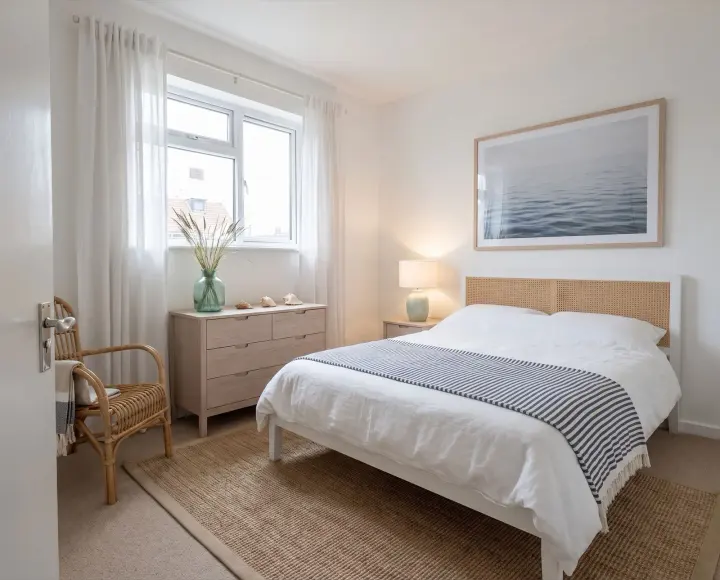
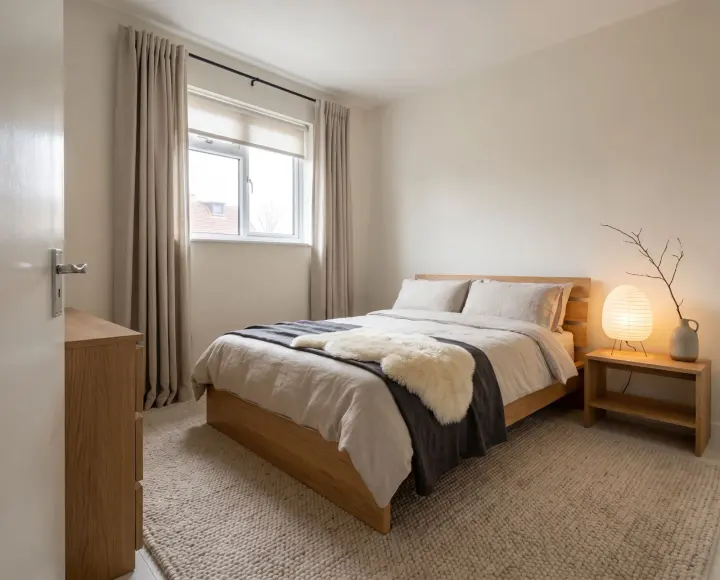
After
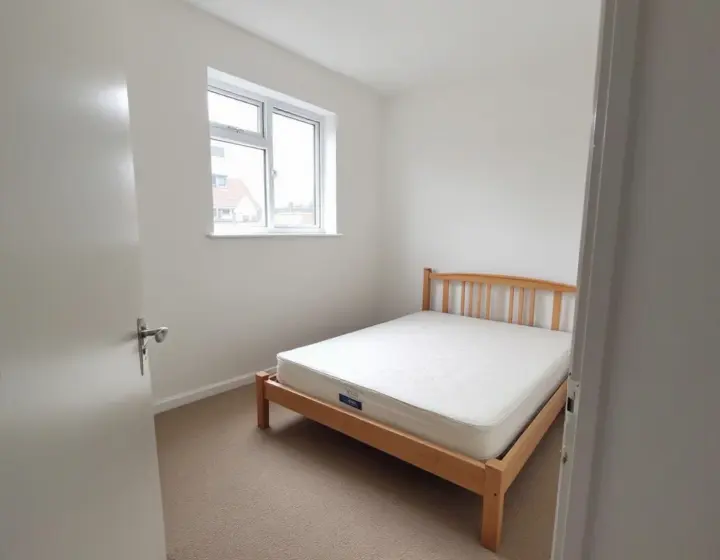
Before
CoastalBedroom
Upload a photo and try one Standard AI bedroom design for free. No sign-in needed. Choose a style and see how your space could look.
01Starts with your bedroom photograph
02Sixteen style references to explore
03Free to explore, no login required
A clearer starting point
AI bedroom design for restful spaces
AI bedroom design helps you explore a quieter palette, a different headboard or better balance around the bed before choosing furniture. Consider daylight, privacy and storage. An AI bedroom design gives you a direction to check against the real room.
Try your first Standard AI bedroom design without an account or payment. Upload a photo to generate one image. The free trial is shared across all our design tools; further designs use account credits.
The styles
Find your AI bedroom design style
Find a mood for your AI bedroom design among sixteen style references. Japandi and Scandinavian directions favour restraint; bohemian and French directions offer more layering. Choose one to set it in the studio.
For AI bedroom design, choose the atmosphere first: quiet and spare, relaxed and layered, or more expressive. Compare materials for the headboard, bedding and curtains as a group. Your AI bedroom design can still keep the bed or flooring you already own. Begin with one style, then describe the storage and lighting details that matter with a focused request.
How it works
How to use AI bedroom design
01
Start with a clear room photo
Give AI bedroom design a clear view of the bed, walls and floor. Photograph from a corner or doorway in daylight, with the camera level. Include wardrobes and windows where possible. Upload a JPG, PNG or WebP file up to 10 MB, or choose the bedroom sample to explore the controls.
02
Choose a style and a direction
Shape your AI bedroom design with a style and a clear brief. Mention the storage you need and the bed you want to keep. Add a short instruction such as warm oak, linen bedding and soft bedside light. A focused request makes your AI bedroom design easier to assess.
03
Compare the result with your photo
For live AI bedroom design, check the cost before generating. Drag the slider to compare proportions and retained features. Download useful images, then refine your AI bedroom design with one clear change.
Make the idea useful
Practical tips for your AI bedroom design
Use AI bedroom design to answer a specific question about your bedroom. Compare the idea with your photograph and check practical details before making changes.
Give the bed a clear place
Start your AI bedroom design with the bed and the routes around it. Consider how you enter, reach the wardrobe and open the curtains. Choose the bed keep option when the current bed should remain, then describe the headboard or bedding changes you want.
Review the AI bedroom design for balanced space on either side. Compare bedside tables and lamps at the same viewing angle, then measure their positions. Furniture appearing in an image still needs to fit the space beside your actual bed.
Storage that belongs in the room
Use AI bedroom design to explore a wardrobe, dressing area or chest of drawers without crowding the room. Describe what you need to store and which pieces should remain. A simpler cabinet front can change the visual balance as much as a new bed.
Check your AI bedroom design against door swings, drawers and the route to the window. Leave storage access practical. Compare proposed depth and height with actual measurements before buying a wardrobe or planning built-in cabinetry.
Layer colour, textiles and light
AI bedroom design can bring bedding, curtains, rugs and lighting into one composition. Name a colour you like and choose materials that suit the atmosphere. A focused brief such as soft neutral walls with warm bedside lamps is easier to assess than unrelated finishes.
Compare the AI bedroom design with the natural light in your photograph and consider evening use. Sample paint and fabric in the real room. Plan lamps around reading, getting dressed and the other tasks you actually do.
Make a small bedroom feel considered
For a compact bedroom, use AI bedroom design to compare a restrained palette and fewer competing pieces. State what the space needs to do and what should remain. A focused request helps you explore changes without making the room appear artificially larger.
A useful AI bedroom design respects the space you have. Check access, proportions and the depth of proposed additions against measurements. Compare one arrangement at a time, then verify dimensions before choosing materials, furniture or permanent changes.
Choose how much to change
AI bedroom design does not have to mean replacing everything. Select Refresh to focus on colours, textiles, lighting, and art while asking furniture to stay. Paint only targets walls and the ceiling. Declutter asks the studio to clear loose clutter while retaining the furniture.
For a larger change, Redesign explores furniture and finishes, while Stage furnishes an empty room. Your AI bedroom design follows the selected direction and any keep requests, but generated details can vary. Inspect the result carefully, especially objects and architectural features you wanted preserved.
Turn a comparison into a decision
Compare an AI bedroom design with your original photo. Check furniture scale, lighting and access from the same viewpoint before choosing a direction.
Save the AI bedroom design that communicates your direction. Note two details to keep and one to adjust, then use the image to explain your idea.
Questions
AI bedroom design questions
01
Can I generate an AI bedroom design for free without logging in?
Yes. Generate one Standard image from your own photo for free, without signing in. This allowance is shared across all our design tools. Downloads include a watermark. Sign in to continue after your trial; premium quality requires a paid plan.
02
Which photo works best for AI bedroom design?
A bright, level photo from a corner or doorway gives AI bedroom design a clear starting point. Include the floor, walls, and main furniture. Avoid blurry close-ups or objects that hide most of the room.
03
What should stay in my AI bedroom design?
The studio aims to retain walls, windows, doors and the camera angle. Select keep options for the bed, furniture or flooring you want to preserve. Inspect your AI bedroom design against the original photo, because generated details and proportions can vary.
04
What does a custom AI bedroom design cost?
Standard costs 1 credit per image; higher tiers cost 4, 5 or 8. Check the displayed price before generating your AI bedroom design. Failed generations return their credits.
05
Where is my AI bedroom design saved?
The History page keeps twelve recent designs in this browser. Download AI bedroom design images you want to retain. Clearing site data removes entries; local history does not provide permanent cloud backup.
06
Can AI bedroom design replace measured plans?
No. AI bedroom design provides visual inspiration, not verified measurements or construction specifications. Measure the room and products separately. Review structural or building services changes with a qualified professional before carrying out the work.
Your next step
Start exploring AI bedroom design
Upload a photo and try your first Standard AI bedroom design for free. No sign-in is needed. Choose a style and use the result as a starting point for your plans.