Drop a photo of your garden, yard or patio here, or choose a file.
JPG, PNG or WEBP, up to 10 MB. Include the ground, site boundaries and existing outdoor features. You can also paste one.
Or try a sample photo
After
Before
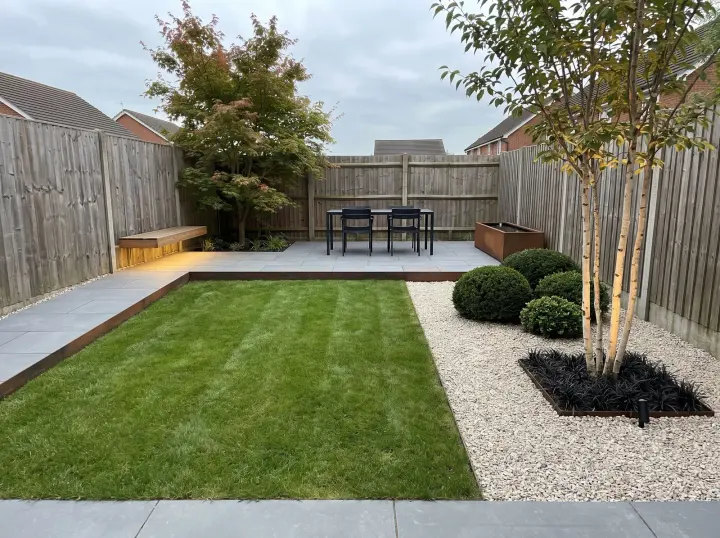
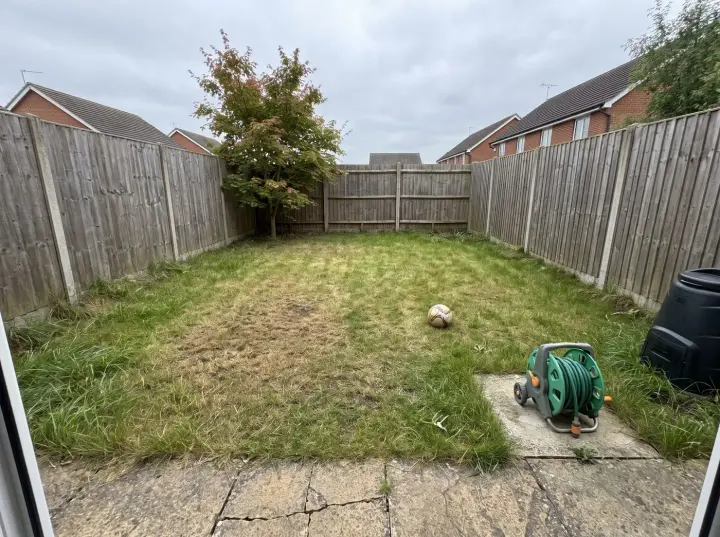
ModernBackyard lawn
Upload a photo and try one Standard AI landscape design for free. No sign-in needed. Choose a style and see how your space could look.
01Starts with your outdoor photograph
02Explore planting, paths and seating
03Free to explore, no login required
A clearer starting point
AI landscape design for gardens, yards and patios
AI landscape design helps you explore outdoor planting, paths, seating and materials from a garden, yard or patio photograph. Use AI landscape design to see how these elements relate before discussing a project. Start with one view and purpose, keeping the actual site in mind.
Try your first Standard AI landscape design without an account or payment. Upload a photo to generate one image. The free trial is shared across all our design tools; further designs use account credits.
The styles
Find your AI landscape design style
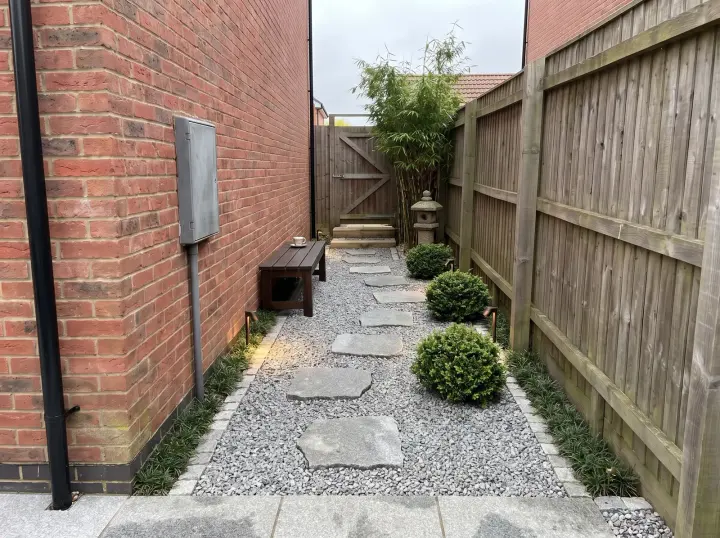
Choose from sixteen outdoor styles made for AI landscape design, from Modern and Traditional to Desert and Tropical. Each one sets the planting, the surfaces and the mood. Pick one below, then add your photograph.
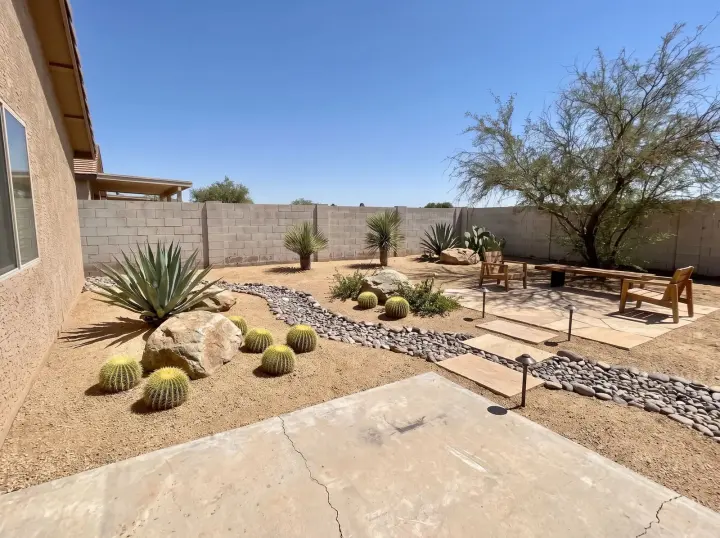
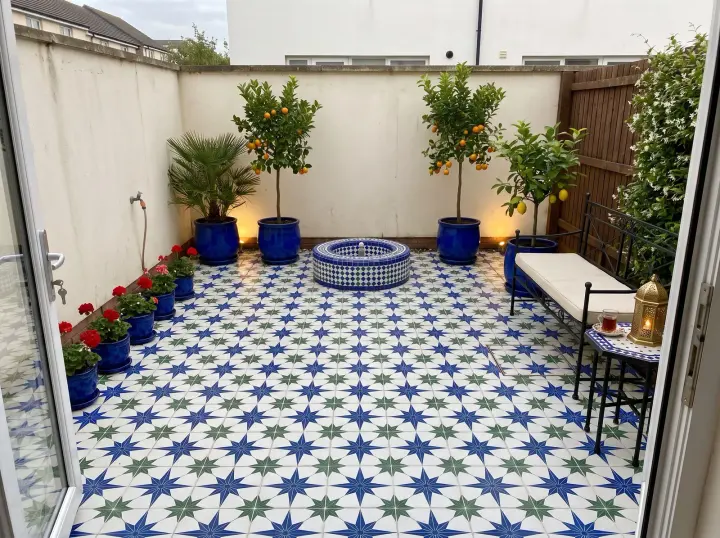
For AI landscape design, begin with how the yard is used and the climate it sits in. Modern, Traditional and Formal hold in almost any climate; Desert, Mid-century Modern and Moroccan Courtyard belong where it is warm and dry. Plants are chosen for what your photograph shows, and your fences, levels and established trees stay where they are. Say what you want to keep, such as the lawn.
How it works
How to use AI landscape design
01
Start with a clear outdoor photo
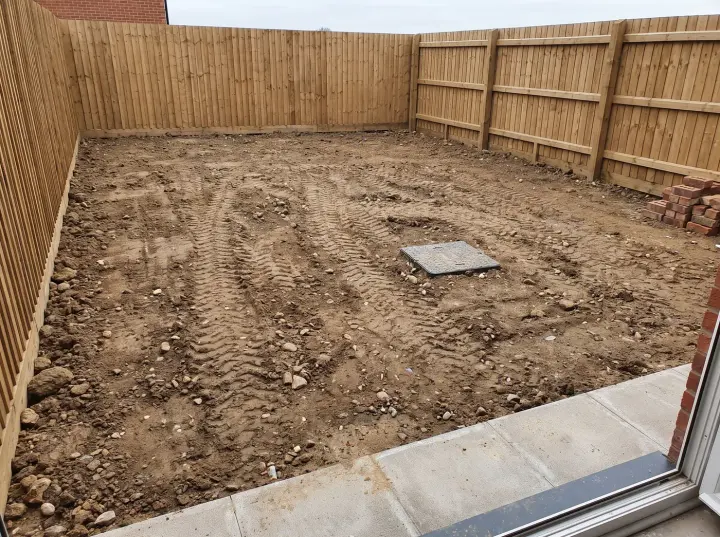
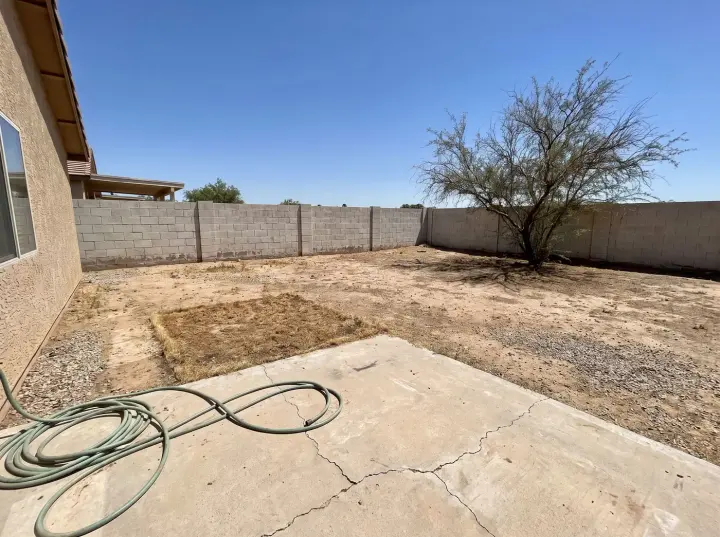
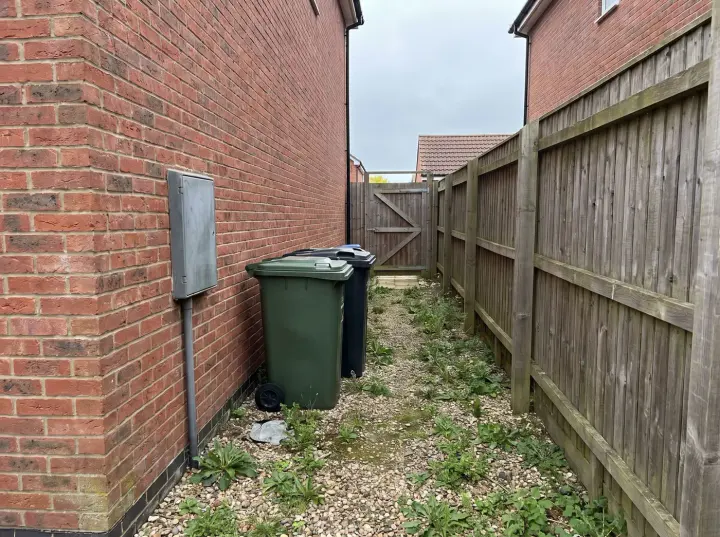
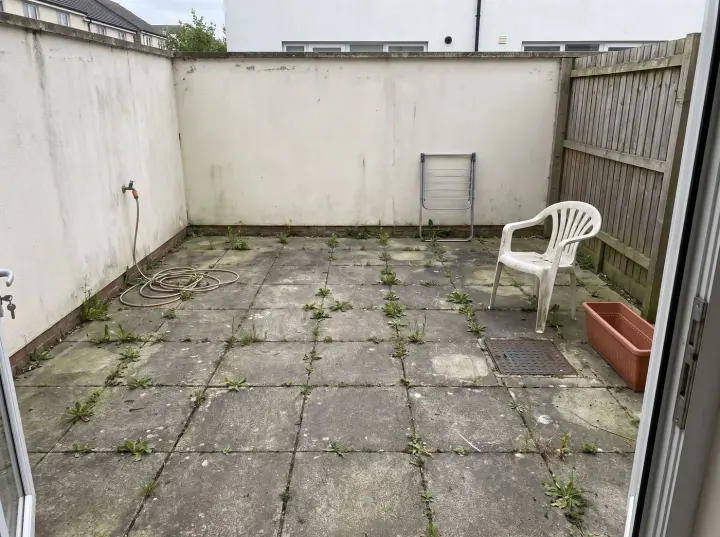
Give AI landscape design a clear outdoor photograph. Include the ground, boundaries, paths and structures so the site is understandable from one viewpoint. Avoid a close-up of a single plant. Upload a JPG, PNG or WebP file up to 10 MB. The example photograph is an inspiration reference.
02
Choose a style and a direction
Shape your AI landscape design with a clear outdoor request. Describe where you want planting, a path or seating, and name features that must remain. Add a visual direction such as a restrained palette or a more useful patio. A focused brief makes your AI landscape design easier to compare with the actual site.
03
Compare the result with your photo
For live AI landscape design, check the cost before generating. Drag the slider to compare proportions and retained features. Download useful images, then refine your AI landscape design with one clear change.
Make the idea useful
Practical tips for your AI landscape design
Use AI landscape design to answer a specific question about your garden or patio. Compare the image with the original scene, then check site conditions separately.
Give planting a clear role
Start your AI landscape design with what planting should do: frame a patio, soften a boundary or create a quieter place to sit. Describe the visual density and colours you prefer. Mention existing trees or beds that should remain, so the idea begins with the site.
Review the AI landscape design for the balance of planted and open areas. An image cannot determine growing conditions or mature plant size. Confirm climate, soil, light and maintenance needs with local knowledge before selecting species and planting positions.
Connect paths, patios and seating
Use AI landscape design to explore movement through the yard and places to stop. Show the existing route and patio in your photograph. Describe the material mood and the purpose of the seating, whether for outdoor dining or a quiet place to read.
Compare the AI landscape design with actual boundaries and levels. Check widths, furniture sizes and access before changing the site. A generated surface does not verify drainage or foundations; use the picture to discuss a direction rather than infer construction details.
Work with the site you have
AI landscape design starts from the outdoor photograph, including visible structures and boundaries. Mention trees, fences, paving or other features you want preserved. Keep the scope clear so the proposed planting and materials relate to the outdoor space you use.
Inspect the AI landscape design against the original scene for changed boundaries or missing features. Measurements, irrigation, drainage and local requirements need separate assessment. Confirm these details before treating a visual idea as a plan for construction or planting.
Make a compact garden feel considered
For a small yard or patio, use AI landscape design to compare a limited material palette and a clear focal point. Describe the access and activities the space needs to support. Ask for changes that relate to your photograph rather than an artificially enlarged garden.
A useful AI landscape design respects the site you have. Check the depth of beds, path widths and outdoor furniture against measurements. Compare one arrangement at a time, then verify proportions and growing conditions before buying materials or plants.
Choose how much to change
AI landscape design can explore a larger change or a lighter refresh. Redesign considers planting, paving, seating and lighting within the existing scene. Refresh asks for structures and layout to remain while changing planting details, pots, outdoor textiles or light. Specify what must stay in your instructions.
Your AI landscape design follows the selected mood and brief, but details can vary. Check boundaries, paths, trees and structures against the original photograph. Keep measurements and local growing conditions separate from the concept, and confirm them before carrying out a project.
Turn a comparison into a decision
Compare an AI landscape design with your original photo. Check planting, paving and outdoor access from the same viewpoint before choosing a direction.
Save the AI landscape design that communicates your direction. Note two details to keep and one to adjust, then use the image to explain your idea.
Questions
AI landscape design questions
01
Can I generate an AI landscape design for free without logging in?
Yes. Generate one Standard image from your own photo for free, without signing in. This allowance is shared across all our design tools. Downloads include a watermark. Sign in to continue after your trial; premium quality requires a paid plan.
02
Which photo works best for AI landscape design?
Use a clear garden, yard or patio photograph that shows the ground, boundaries and structures. A level, wide view gives AI landscape design more context than a close-up of a plant. Avoid photographs where objects hide most of the site.
03
What should stay in my AI landscape design?
Specify trees, fences, structures, paths or other features to retain in your instructions. The studio uses an outdoor image-editing brief. Inspect the AI landscape design against your photograph, because generated boundaries and details can still vary.
04
What does a custom AI landscape design cost?
Standard costs 1 credit per image; higher tiers cost 4, 5 or 8. Check the displayed price before generating your AI landscape design. Failed generations return their credits.
05
Where is my AI landscape design saved?
The History page keeps twelve recent designs in this browser. Download AI landscape design images you want to retain. Clearing site data removes entries; local history does not provide permanent cloud backup.
06
Can AI landscape design replace a site plan?
No. AI landscape design provides inspiration, not verified levels, dimensions, planting specifications or construction plans. Measure the site separately and check growing conditions. Review drainage, structural work and local requirements before making physical changes.
Your next step
Start exploring AI landscape design
Upload a photo and try your first Standard AI landscape design for free. No sign-in is needed. Choose a style and use the result as a starting point for your plans.